 Polski
 English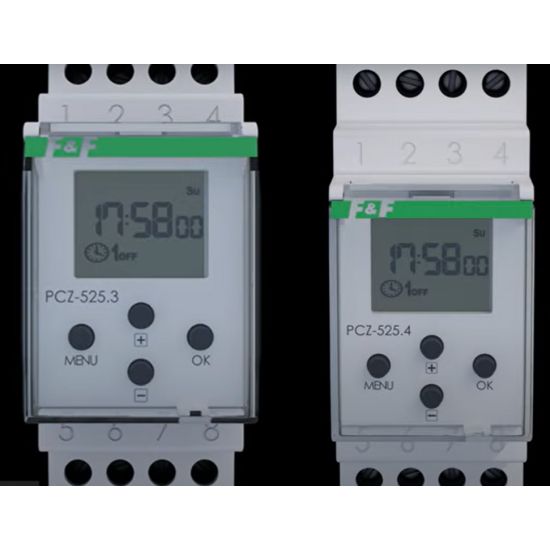
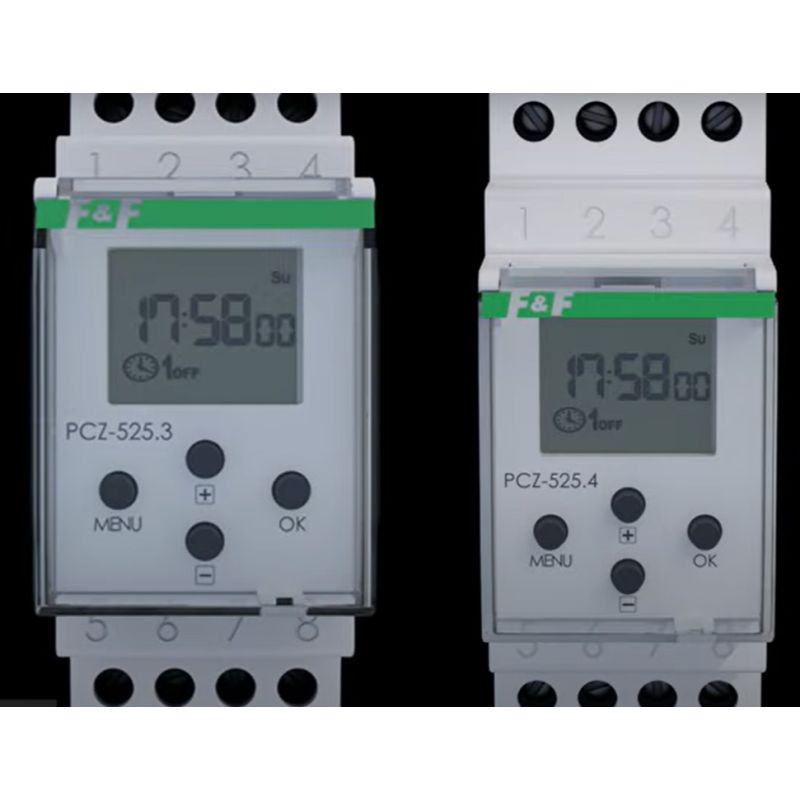
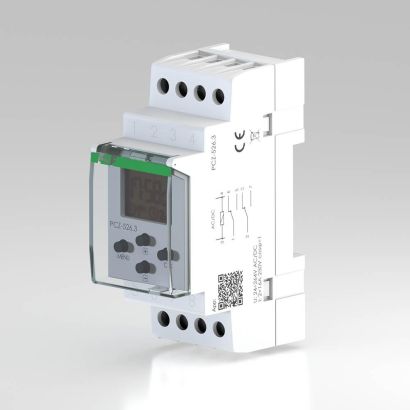
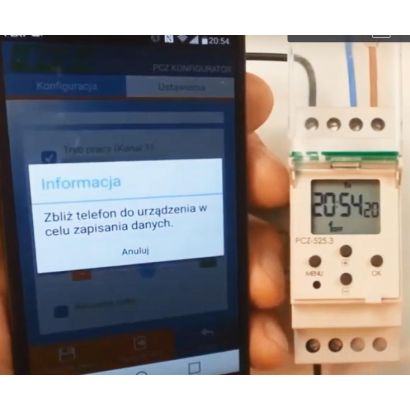
In this video guide, we show you step by step how to set the operating parameters of an astronomical clock. You will learn how to set the following parameters:
1. Date
2. Time
3. Operating mode (automatic or manual)
4. Location (from a list of predefined locations or custom settings, i.e. geographical coordinates)
5. Clock activation time (choose from: civil twilight, sunset, fixed time, custom setting)
6. Start of night break
7. End of night break
8. Switch-off time (select: astronomical dawn, sunrise, fixed time, custom setting)
9. System settings, summer/winter time change, automatic or manual change.