 Polski
 English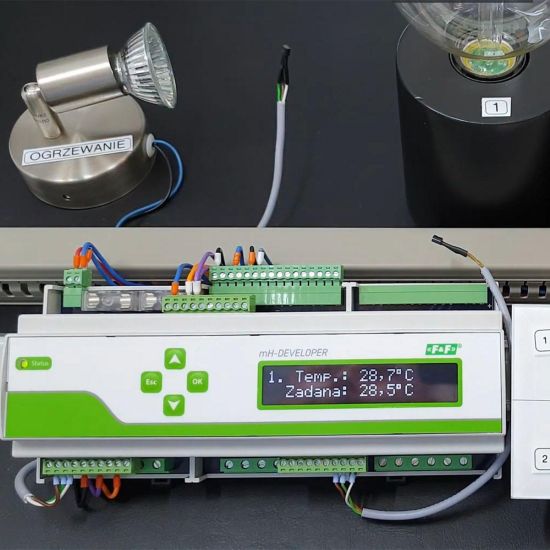
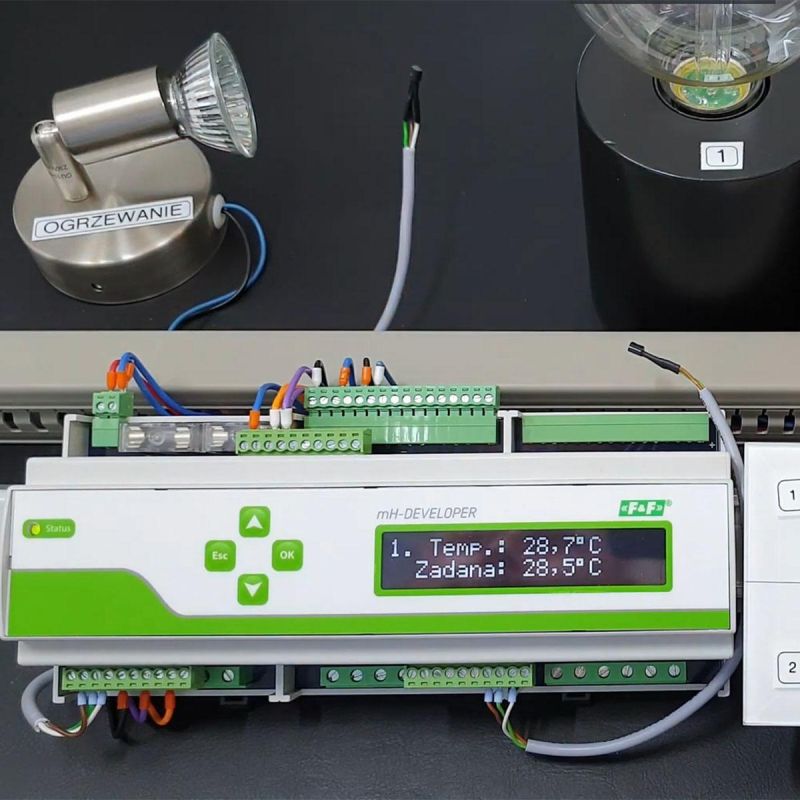
mH-Developer is a single module measuring 21 cm x 9 cm x 5.9 cm. It is mounted on a rail in a switchboard. It enables intelligent control of the basic functions of a smart home system. It can be used to control lighting, heating and electrical sockets. When classifying smart home systems, we pay attention to the system's communication method. On this basis, we divide smart home systems into wired and wireless. mH-Developer is used to build a wired smart home automation system. This means that cable installation is necessary for it to function properly. Due to its properties, described below, the mH-Developer module can serve a dual function. On the one hand, it offers us basic smart control. On the other hand, it is an alternative to the wall-mounted control panel in the wired F&Home smart home system.
There is a control panel on the front of the mH-Developer module. We use it to switch controlled circuits and devices on and off. We can also view their current status on the display.
When deciding on a smart home with mH-Developer, we can still control the home traditionally, using wall-mounted buttons. For remote control of the home, we use an application for mobile devices.
mH-Developer has 9 inputs for connecting temperature sensors. Temperature sensors are supplied with the smart module. They measure the actual temperature and compare it with the setpoint temperature, i.e. the value set as optimal for us in a given location. The next step is to switch on or off the output associated with a given sensor. By supplying or cutting off the supply voltage, the solenoid valve is opened or closed. In this way, we regulate the temperature in the room.
Eight temperature measurement inputs are assigned to triac outputs, which allow us to control the heating in this way. Actuators powered by 230 V should be connected to the solenoid valve outputs. The maximum load capacity for a single output is 0.5 A. The system controls the temperature through independent measurements in each room. It compares the set temperature with the measured temperature and opens or closes the solenoid valve. In this way, it regulates the temperature in the rooms. The desired temperature values are set in the system application on mobile devices or from the panel on the controller. Input no. 9 for temperature measurement has no assigned output. It can only be used to measure temperature, e.g. outside the building. In other words, it only provides information about the temperature in the room or outside.
Lighting is controlled by 12 inputs, to which 12 16-amp relay outputs are assigned. Momentary buttons are connected to the inputs. Single, cross or staircase switches cannot be used. However, glass buttons powered by 24 V DC can be used. Control is in bistable mode. One pulse switches the lighting on, the next switches it off. The outputs enable the switching on of lighting or other circuits operating on an "on-off" basis. This is how we control, for example, electrical sockets or sprinklers in the garden. The smart home controller display shows the status of the inputs and outputs (on or off).
In addition to the above-mentioned modules, the mH-Developer smart home also has three relay outputs without assigned inputs. We can use them to control (cut off) water, gas or other utility valves. The last output, marked as 16 in the controller, can be used as an "turn everything off" output.
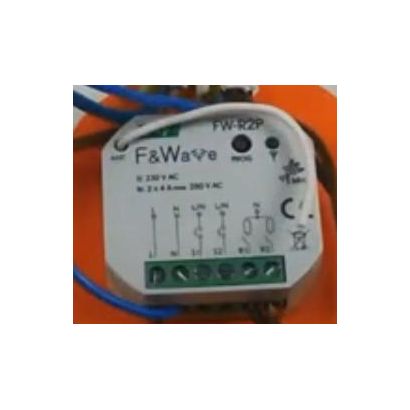
More smart home functions can be obtained by adding F&Home smart system expansion modules. This expands the scope of smart home control to include:
We use the CAN protocol available in the controller to connect devices.
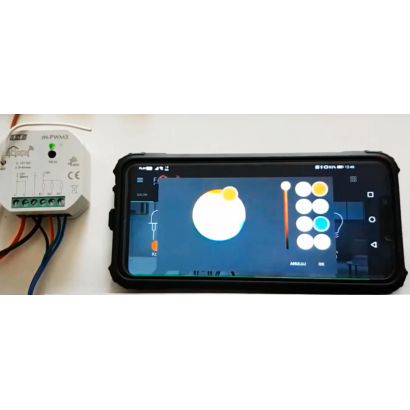
We recommend the FOX application for controlling smart home functions with mH-Developer. This application is designed to control and manage the FOX wireless smart home Wi-Fi system. However, after opening the application, we can select the option to control the F&Home wired smart home system.