 Polski
 English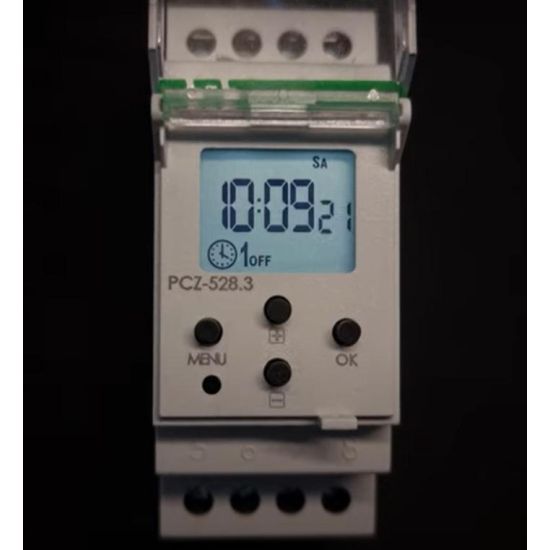
Control clocks differ in terms of their operating principles and the options for setting the operating cycles of controlled devices. We distinguish between astronomical and programmable clocks. Some allow you to programme operation in weekly mode, others in annual mode. With or without the option of programming a night break. If you want to change the control method, you need to select a new control clock accordingly . To avoid such situations, we recommend a universaltimer .
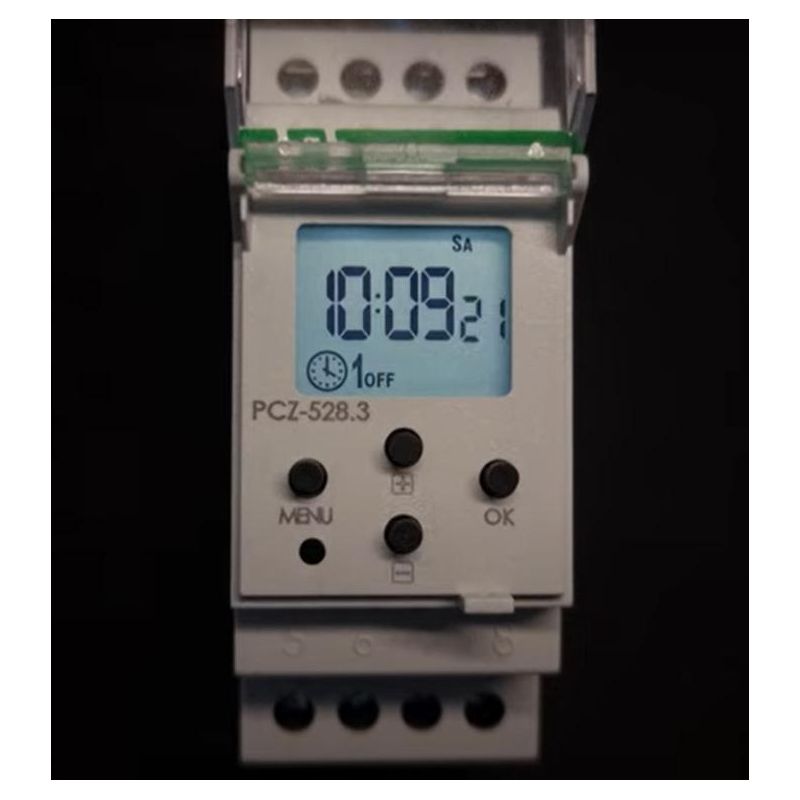
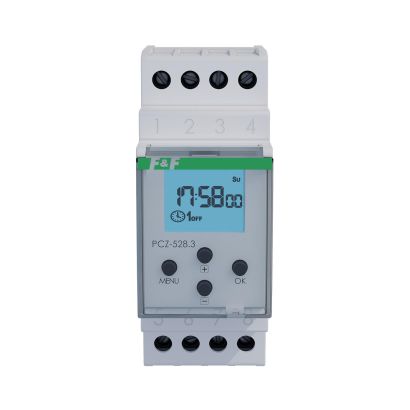
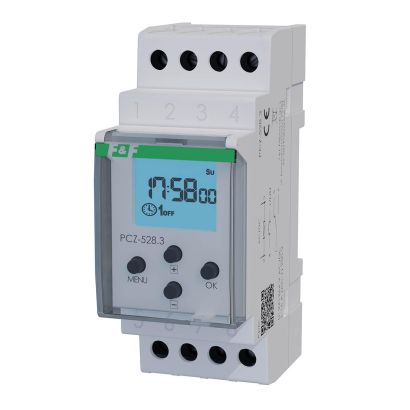
The universal nature of the PCZ-528timer lies in the fact that it combines the features of a programmable and astronomical timer. In addition, it allows you to plan the activation of a controlled device or circuit in a daily, weekly or annual cycle. Therefore, there is no need to plan in advance exactly what you want to use the timer for and what functions you need. You get everything you need with a single device – the PCZ-528 control clock .
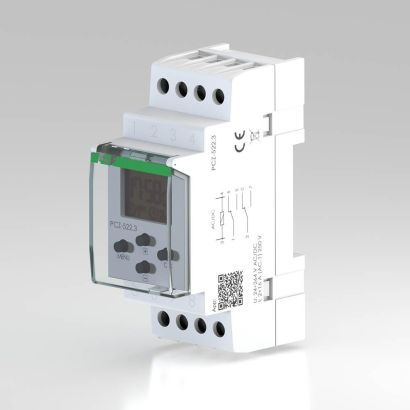
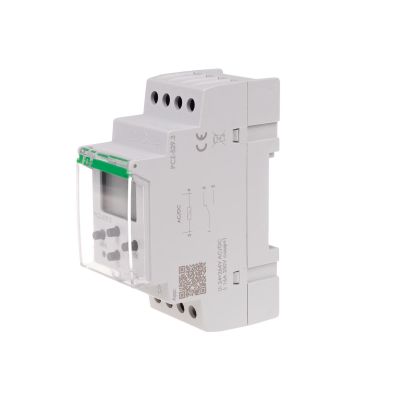
The PCZ-528 is a DIN rail-mounted timer. It occupies two 35 mm modules in the switchboard.
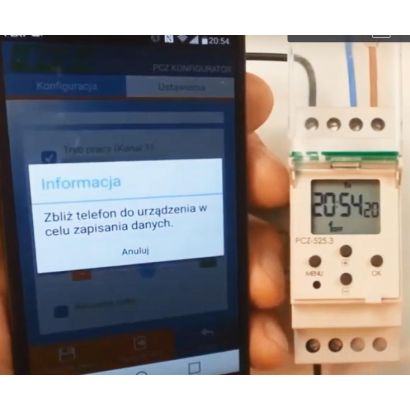
Let us remind you that astronomical clocks control connected devices according to the geographical parameters of their place of operation. So we need to start by selecting our location. Without this, the astronomical clock will not work properly. Programmable clocks, on the other hand , only work according to the user's settings. We program their operation directly on the device using buttons. The second option is to prepare an operation plan in a smartphone application. We upload the programme prepared in this way to the clock using wireless NFC communication. It is worth noting that the second option is more practical. Especially when we want to program several control clocks according to a single schedule. We create a control clock operation scenario and then load it onto individual devices.
When programming the PCZ-528 clock , we can specify a specific time, i.e. hours and minutes, e.g. "22:15", as the start time . Another method, appropriate for an astronomical clock, is to select an astronomical time, e.g. "sunset".
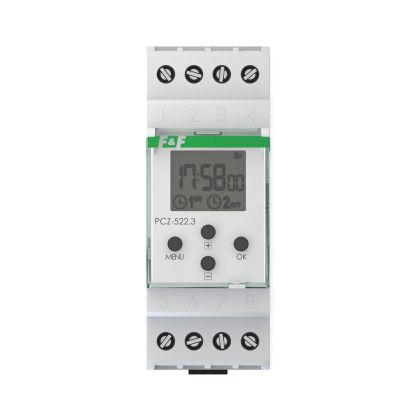
Weekly programmable clocks, such as the PCZ-522, operate according to a schedule set by the user, switching the controlled circuits on and off. In such a weekly cycle ( 7 days from Monday to Sunday), we can program the operation of:
on individual days of the week,
on working days (Monday to Friday)
on weekends, i.e. Saturday and Sunday
every day (Monday to Sunday)
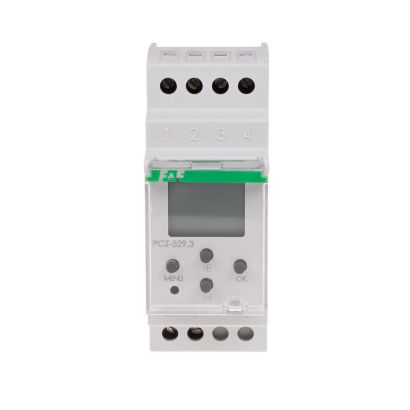
Annual programmable timers, such as the PCZ-529, switch electrical devices or circuits on and off according to programmed dates and times in an annual cycle.
The PCZ-528universal control clock allows you to programme the operation of devices on both a weekly and annual cycle.
We have already mentioned that the PCZ-528timer can be programmed manually, directly on the device using buttons, or using a smartphone application. It is simple and intuitive. We go through the tabs one by one and enter the data necessary for the clock to work, including: programme, period, holidays, location. We can also track statistics on the clock's operation.
After preparing the operating programme for the control clock, we upload it using NFC communication. Both the method of preparing the schedule and its upload are very practical solutions. Once created and saved, the schedule can be uploaded to individual devices multiple times, which takes just a moment. In the case of manual programming of several clocks, this activity will take much more time.
This is another convenience for PCZ-528 users . We have prepared clock operation schedules that take into account the tariff plans of electricity operators. As in the case of the programmes prepared in the application, in this case too, we do not need to manually adjust the programmable clock to start operating when lower electricity prices are in force. All you need to do is upload the tariff that applies to you.