 Polski
 English
- NEW
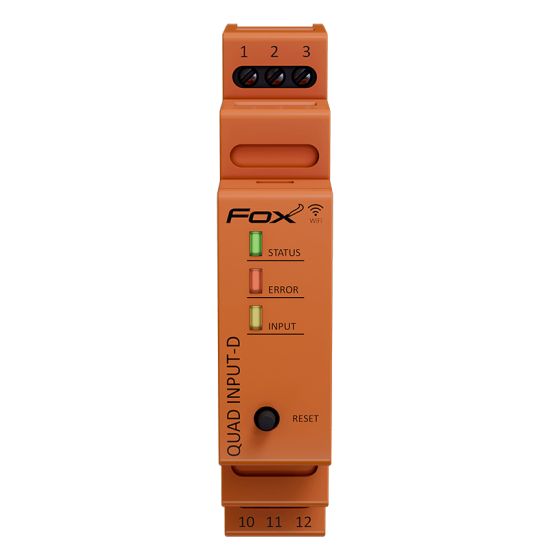
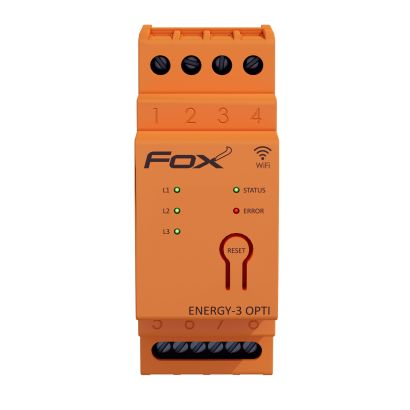
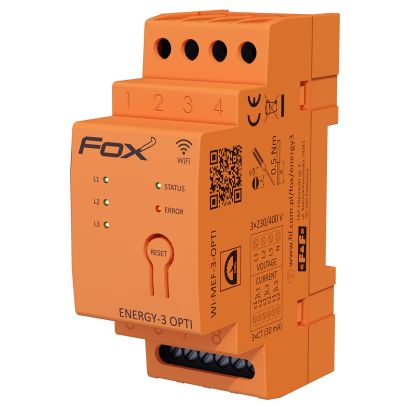
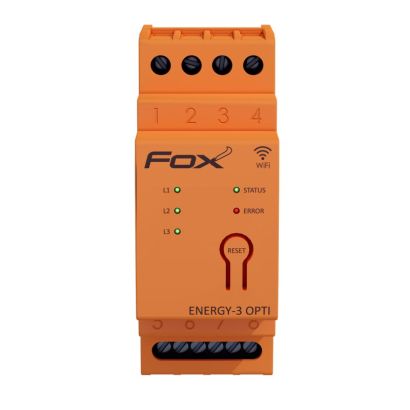
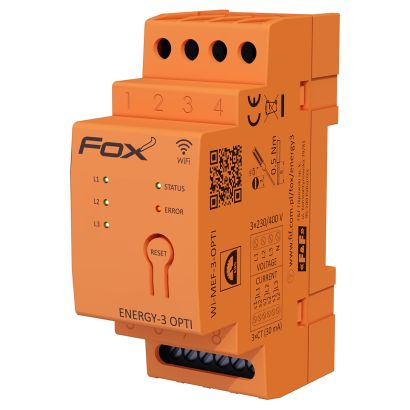
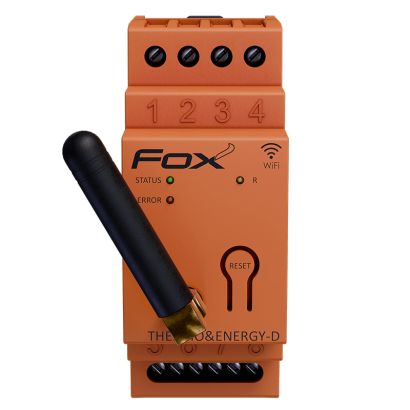
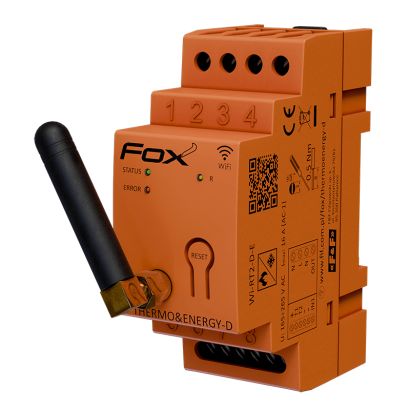
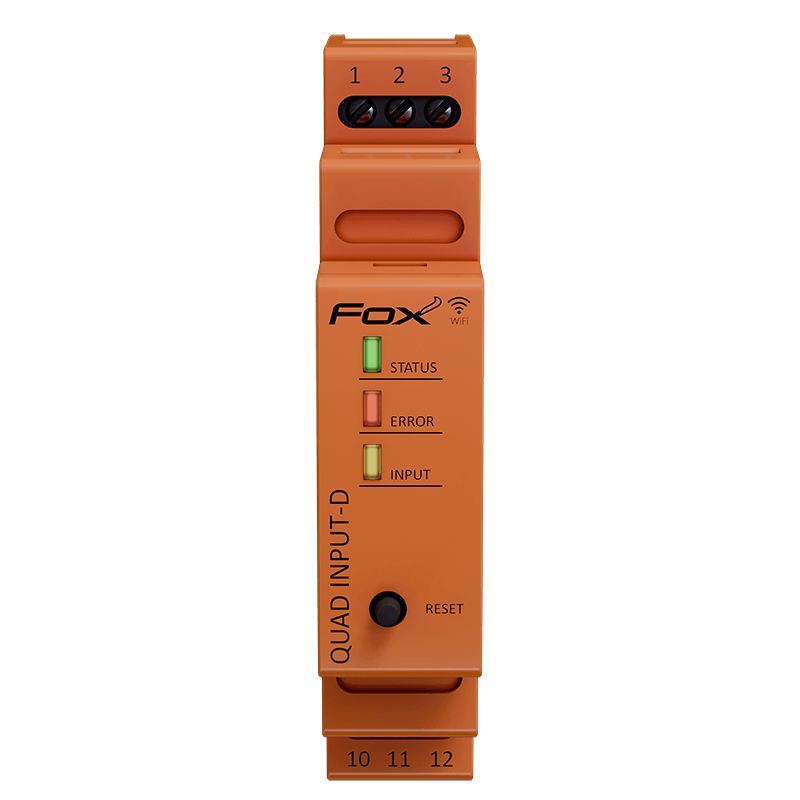
4-channel WiFi transmitter for DIN rail mounting
Wi-Fi input module for DIN rail for building automation – device description
The device supports four independent digital inputs powered by mains voltage and enables control of Fox receivers operating in the same local wireless network. Thanks to its scene and network communication functions, the module acts as a central event controller in smart home installations and BMS systems.
Features and functionalities of the DIN control module
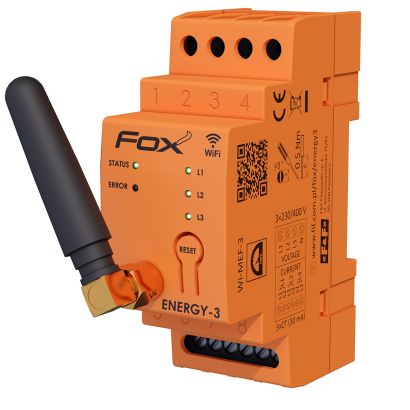
The DIN rail version is designed for installation in electrical switchboards and technical installations where clear organisation of the control infrastructure is essential. The module supports four AC digital inputs with the ability to assign actions to pressing, releasing and long pressing a button, allowing you to create advanced automation scenes.
Built-in 2.4 GHz Wi-Fi communication (IEEE 802.11n) enables direct integration with actuators and master systems via REST API and MQTT. This allows the module to work with building management platforms, smart home systems and integration environments.
The scene function allows simultaneous control of up to 16 devices (for each scene), while the sequential mode allows different scenes to be called up by pressing the same button repeatedly. The design is adapted for mounting on a standard DIN rail, ensuring quick installation in a switchboard and easy service access. The device has low power consumption (<1.2 W) and is designed for use in indoor installations.
Application of the DIN input module in smart home and BMS systems
The Wi-Fi input module for DIN rail is used in smart residential and commercial building installations, as well as in industrial and infrastructure automation systems. It can act as a control interface for lighting, blinds, comfort scenes, HVAC systems, multimedia installations and energy management functions.
Thanks to its open communication interfaces, the device works well as an input element in complex control systems where centralised management of logic and events is required. The module is a practical solution for installation designers, integrators and automation system contractors looking for a scalable DIN standard input controller.
What are triggers and how to use them in the Fox system – practical application scenarios
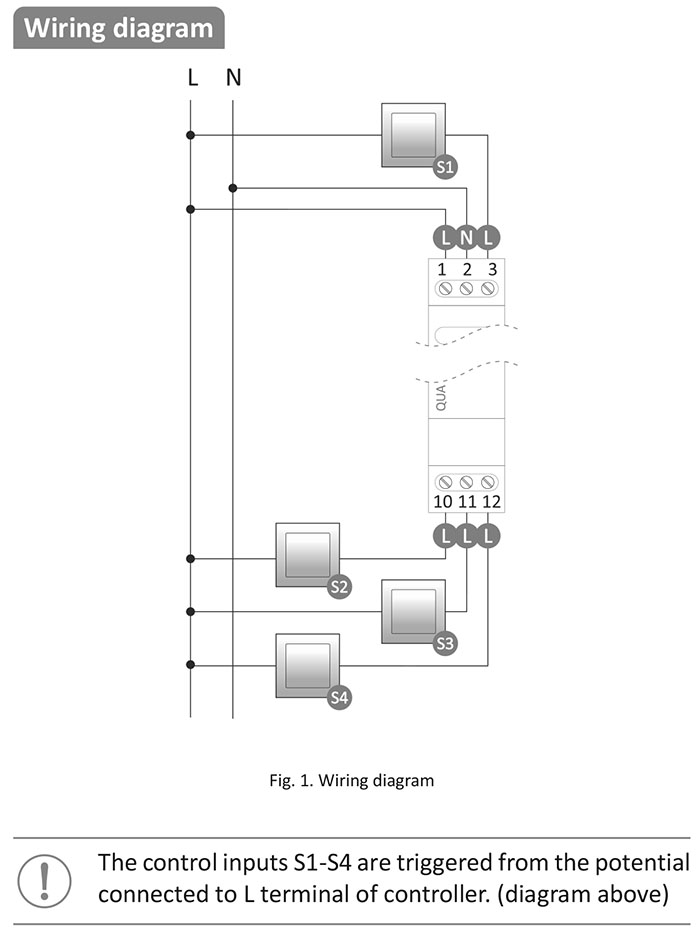
Triggers are one of the key functions in the Fox building automation system. The Quad Input module reacts to the appearance of voltage at its inputs, which allows you to control other devices in the local smart home network.
Most often, a momentary button is connected to the inputs, but it can just as well be a signal from a motion sensor, liquid level sensor, or other device. The system recognizes various events, such as pressing, releasing, long holding, or a sequence of clicks. Each of these can trigger a specific action or scene in the installation.
Controlling roller blinds from one place
A module mounted in a flush-mounted box and connected to a four-button momentary switch can act as a central control for roller blinds.
two buttons are responsible for opening and closing all blinds,
the other two set the favorite positions of the slats.
This simple solution significantly increases the comfort of everyday use.
Scenes at the entrance to the apartment
Quad Input works great as a scene panel at the front door. With one click, you can activate the “return home” scene, which raises the temperature, turns on the lights, and sets the blinds.
Other buttons can control mood lighting (brightness adjustment with subsequent clicks), temporary heating of the apartment, or the “leaving home” scene, which turns off the lights, closes the blinds, and lowers the temperature.
Bathroom automation – comfort and functionality
In the bathroom, the module can manage multiple elements simultaneously, working with Fox system devices:
lighting brightness control (Fox DOUBLE LED),
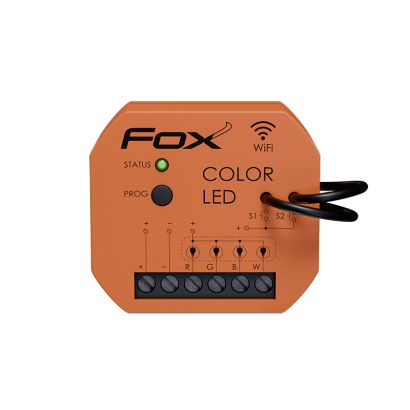
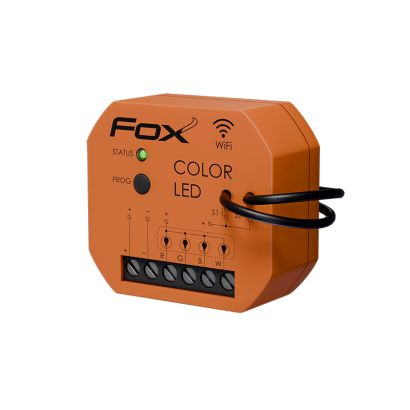
color lighting (Fox COLOR LED),
ventilation (Fox SWITCH),
floor heating and radiator,
air thermostat.
For example, the “bath” button can set the right temperature, turn on ventilation, and adjust the lighting for relaxation, while holding it down will restore the schedule settings.
Notifications in building automation – increase the security of your installation
The module can also function as a notification system, informing you about events in the building such as:
Water level control
After connecting a liquid level sensor, it is possible to send notifications when certain thresholds are reached. This is a practical solution for rainwater tanks or technical installations.
Motion detection
Connecting motion sensors (e.g., DRM, DR, DRO sensors manufactured by F&F) allows you to receive notifications about activity in selected areas, which increases security and control over the facility.
Temperature monitoring
Quad Input can work with thermostats, sending alerts about too high or too low temperatures.
Service reminders
By counting pulses or operating time of devices (CLI, CLG meters manufactured by F&F), it is possible to automatically notify about the need for inspection or service.
SOS button or bell
The input can function as an alarm or call button, sending an immediate notification when pressed.
Integration with external systems – MQTT and REST API
Quad Input can be easily integrated with other automation systems thanks to MQTT and REST API support. This allows the device to act as a universal input module in complex smart home installations, BMS systems, or IoT platforms.
4-channel WiFi transmitter for DIN rail mounting