 Polski
 English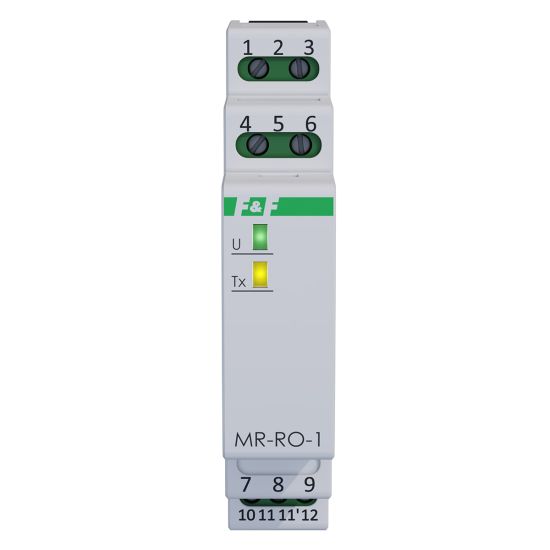
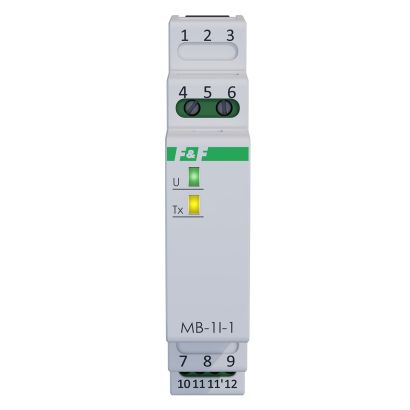
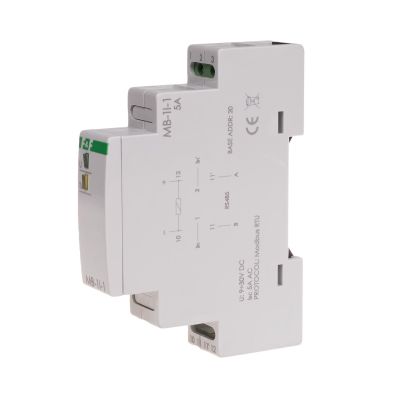
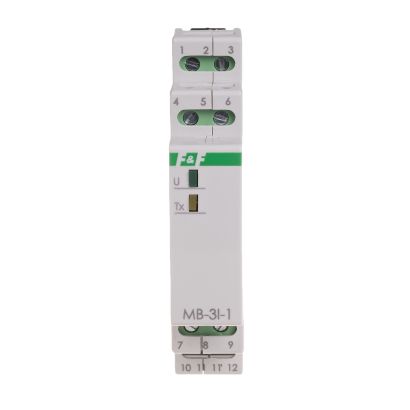
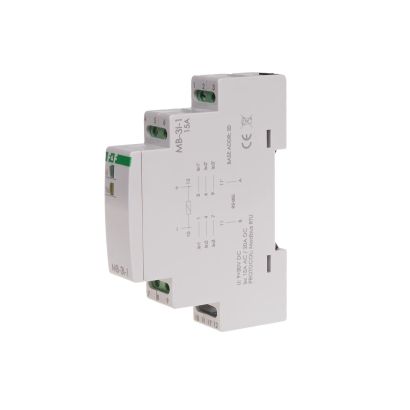
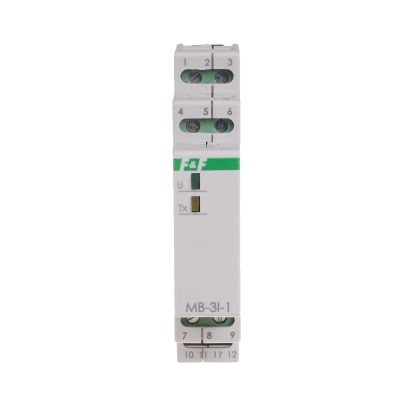
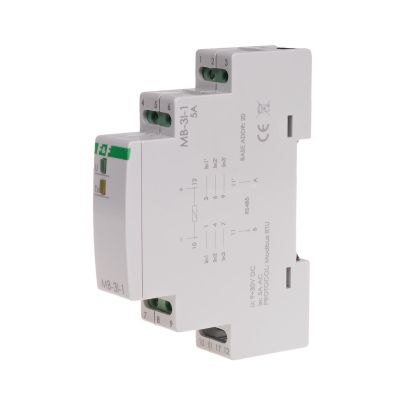
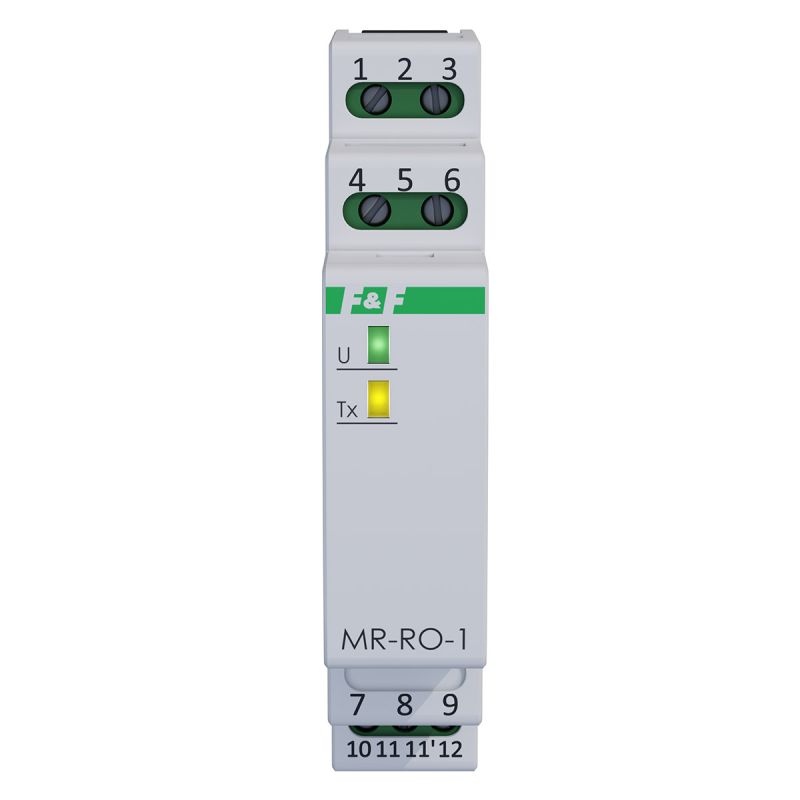
Module 1 with a relay output and Modbus RTU communication.
Output: isolated 1P NO/NC contact.
ON/OFF control.
Timing functions.
State retention following a power failure.
Communication interface: RS-485.
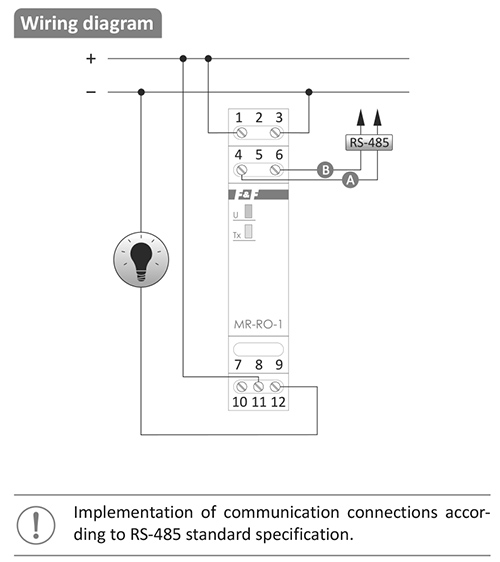
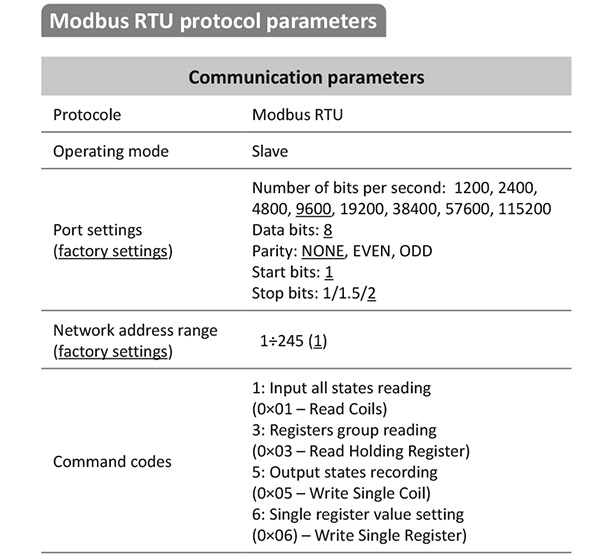
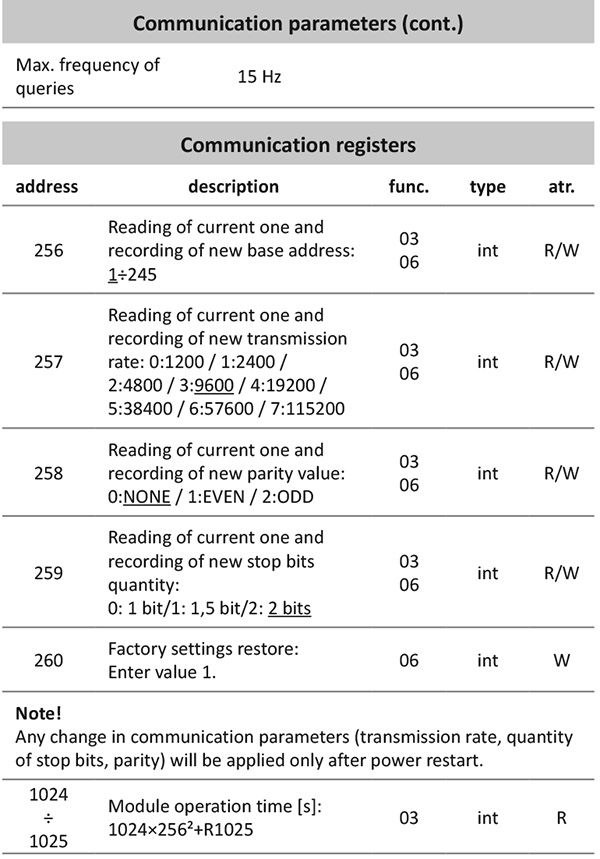
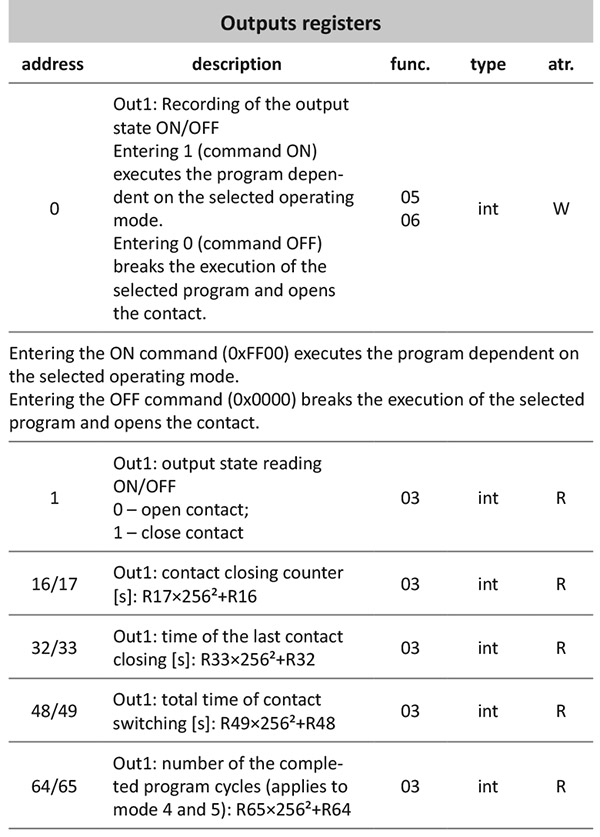
The MR-RO-1 extends the control system with a single controllable relay output featuring an isolated contact. The output status and operating parameters are controlled via RS-485 Modbus RTU.
0. ON/OFF (on/off)
The module’s default operating mode, in which the output is switched on and off directly via commands sent over Modbus.

1. Delayed switch-on

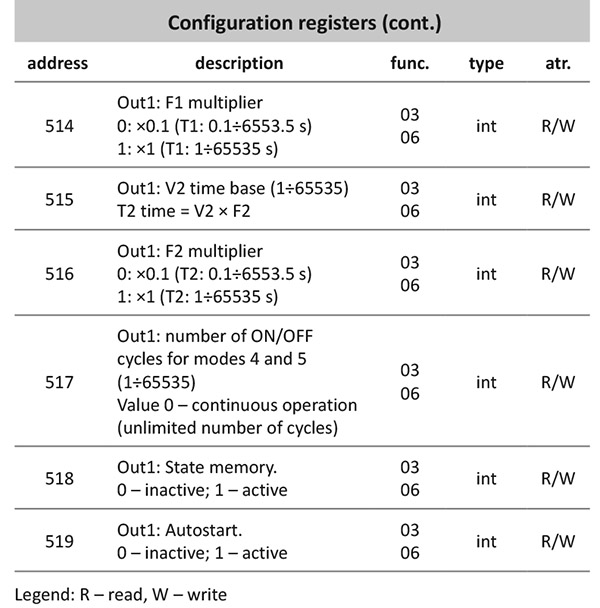
Upon receiving an ON command, the controller counts down the time set in parameter T1 and switches the relay on. The relay will switch off upon receiving an OFF command. Sending an OFF command whilst the T1 countdown is in progress will interrupt the cycle. Any subsequent ON command received during the T1 time period, or whilst the relay is already energised, will be ignored.
2. Activation for a set duration

Upon receipt of an ON command, the relay switches on, and switches off after the set time has elapsed. Once the set time has elapsed, the cycle can be restarted by sending another ON command. Sending an OFF command causes the relay to switch off. An ON command received whilst the time T1 is being counted down will be ignored.
3. Delayed activation for a set time

Upon receiving an ON command, the module counts down the time T1, then closes the relay for the duration T2, after which the relay is de-energised.
Once a full cycle has been completed, the next cycle can be initiated by sending another ON command. Sending an OFF command interrupts the cycle and switches the relay off. An ON command received whilst the programme cycle is in progress will be ignored.
4. OFF/ON cycle

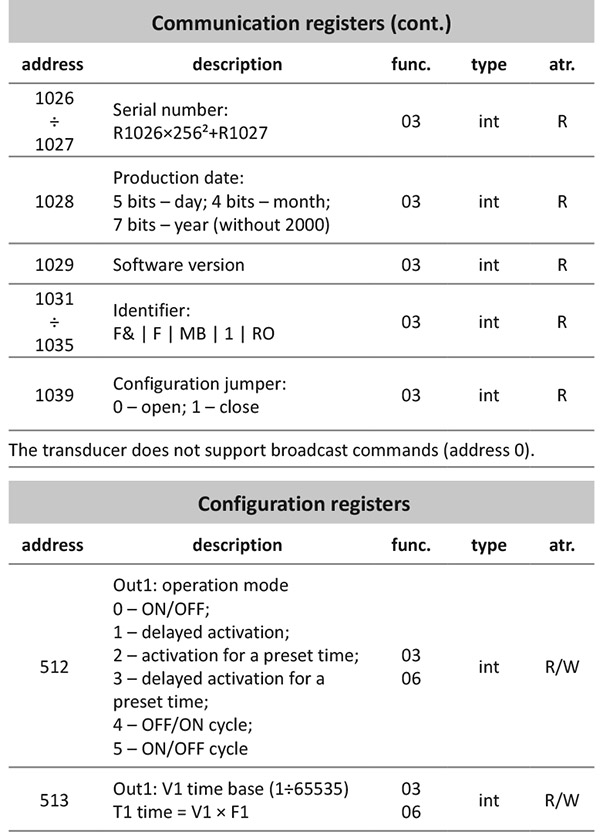
Cyclical execution of the OUT OFF operation (de-energising the relay) for a duration of T1, followed by the OUT ON operation (energising the relay) for a duration of T2. The cycle is started by sending an ON command. The number of cycles performed depends on the value set in register 0x235. If this register is set to 0, the programme will run cyclically until an OFF command is sent. If this register is set to a value other than zero (max. 65535), the controller will execute the specified number of cycles and then switch off.
Sending an OFF command whilst the cycle is running will interrupt its execution and deactivate the relay. Whilst the cycle is running, any subsequent ON command will be ignored. Once the programmed number of cycles has been completed, the next ON command will restart the programme from the beginning.
5. ON/OFF cycle

Cyclic execution of the OUT ON operation (activating the relay) for a duration of T1 and the OUT OFF operation (deactivating the relay) for a duration of T2. The cycle is initiated by sending an ON command. The number of cycles performed depends on the value set in register 0x235. If this register is set to 0, the programme will run cyclically until an OFF command is sent. If this register is set to a value other than zero (max. 65535), the controller will execute the specified number of cycles and then switch off.
Sending an OFF command whilst a cycle is in progress will interrupt its execution and switch off the relay. Whilst the cycle is in progress, any subsequent ON command will be ignored. Once the programmed number of cycles has been completed, the next ON command will restart the programme from the beginning.
STATE MEMORY AND AUTOSTART
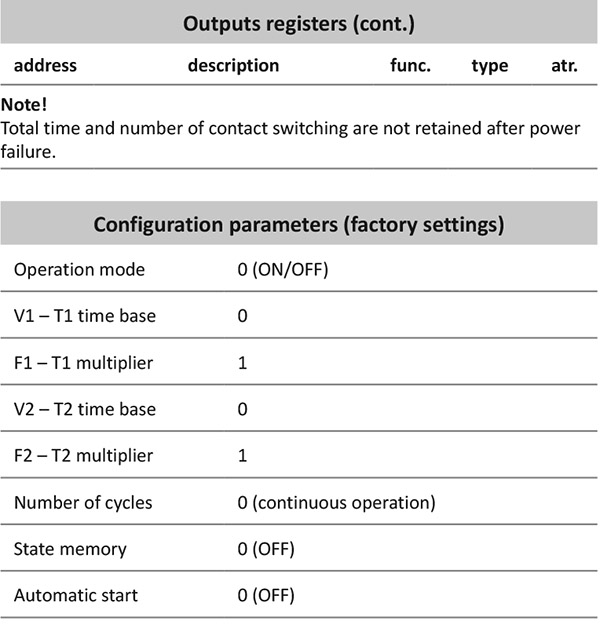
When active, state memory restores the programme’s state prior to the power failure upon power restoration. For mode 0, this sets the contact to the position it was in before the power failure; for modes 1–5, the status memory setting means that if the programme was running at the time of the power failure, it will restart from the beginning once power is restored.
The active autostart function – only when the state memory function is inactive – automatically initiates the selected operating mode when power is applied to the module.
MB Config
The programme allows test readings to be taken and the module’s communication and configuration parameters to be set.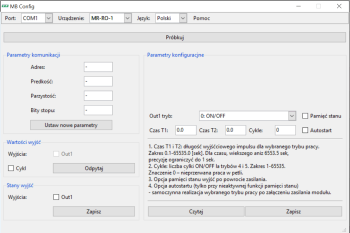
Communication between the module and a PC via theCN-USB-485 USB converter
Free software.

Module 1 with a relay output and Modbus RTU communication.
Output: isolated 1P NO/NC contact.
ON/OFF control.
Timing functions.
State retention following a power failure.
Communication interface: RS-485.